Agency Reporting: $0 Looker Studio Before Paid Tools
Client reporting for agencies: the free Looker Studio floor, the per-client math on paid tools, and why fixing inconsistent inputs beats any AI commentary.
Filed under Decision Guides· see every report on this topic
The verdict. For agencies, the reporting tools are genuinely worth it, and the AI bolted onto them mostly isn’t. Per-client reporting subscriptions pay for themselves at around ten retainer clients because the labour they replace is expensive and the per-client price is not. AI-generated commentary, by contrast, writes the half of the report clients don’t pay for, and can’t write the half they do. Fix your inputs first; that part is free.
This is a Workflow Decision Lab piece, not a roundup. Named operator, published prices with links, the per-client arithmetic, and the specific place AI reporting goes wrong in a way that damages client trust.
Proof status. Prices are quoted as of 21 August 2026 and linked at each figure. Figures taken from a vendor’s own pricing page are marked (primary); those from third-party trackers are marked (secondary) and should be re-checked before you commit. Time and rate figures in the worked example are labelled assumptions, replace them with your own.
1. The operator, precisely
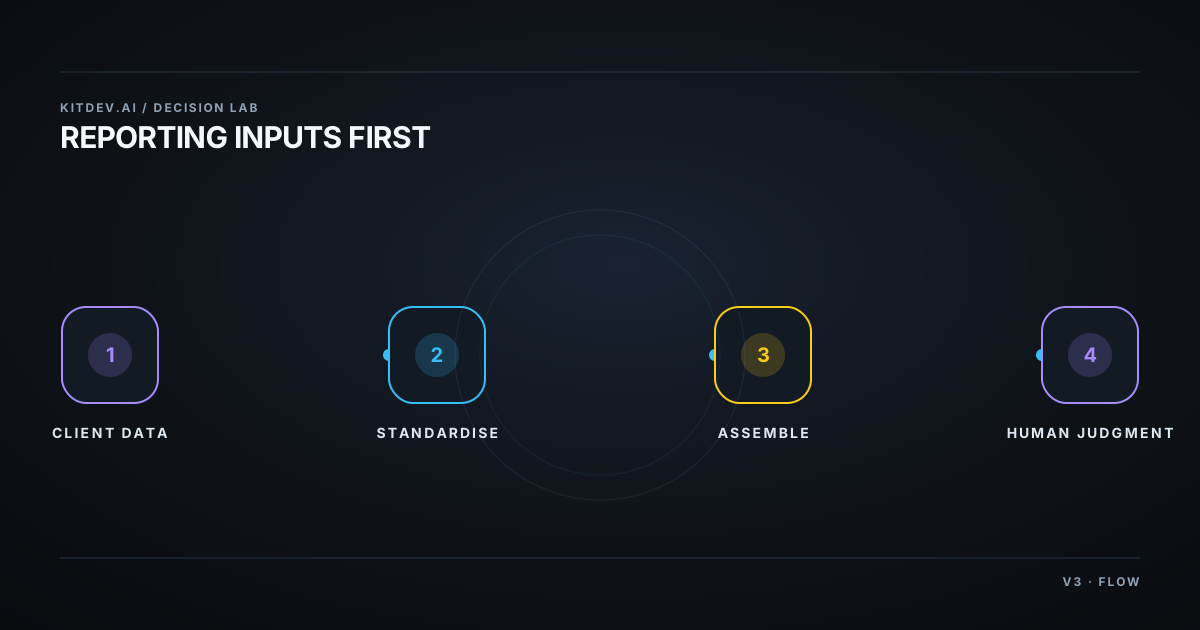
Devi runs a six-person performance agency with 14 retainer clients. Month-end is the problem. Not the strategy work, the assembly:
- Pulling numbers from four ad platforms, GA4, and a call-tracking tool, per client
- Reconciling them, because client A calls it
purchase, client B calls itLead_Form_v2, and client C’s UTMs broke in March - Writing the same three paragraphs of “here’s what happened” fourteen times
- Rebuilding a proposal deck from an old one every time a pitch comes up
She’s been pitched AI for all four. Only two of them are actually an AI problem.
2. The four jobs, and which are actually AI-shaped
| Job | Is it an AI problem? | The real fix |
|---|---|---|
| Pulling and joining data | No | Connectors. This is plumbing, not intelligence. |
| Reconciling inconsistent metrics | No | A naming standard. Free. See §5. |
| Describing what happened | Partly | AI drafts it; you check the numbers it cites. |
| Explaining why, and what’s next | No | This is the deliverable. It’s why you have clients. |
Notice that the two jobs eating most of Devi’s month-end (plumbing and reconciliation), are the two AI is worst at. That mismatch is the whole article.
3. Cost: the real 2026 figures
| Tool | Billing meter | Listed price | At 14 clients |
|---|---|---|---|
| Looker Studio | Free core, no seat fees, no row caps | Free; Pro about $9 per user, per project, per month on annual (secondary) | The free floor holds; the Pro figure depends on how many projects you run |
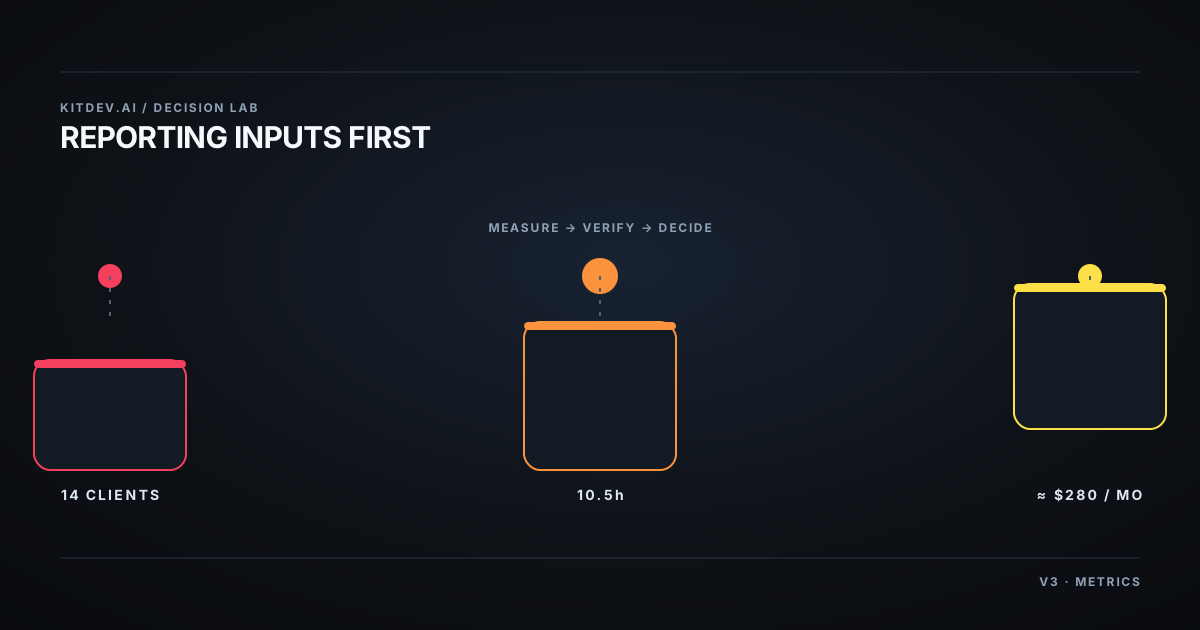
| AgencyAnalytics | Per client, single tier, every feature included | $20 per client, per month, roughly 20% off on annual (primary: “One rate. Every feature. Only pay for the clients you actually have.”) | 14 × $20 = $280/month, about $3,360/year |
| PandaDoc | Per seat | About $19 (Essentials) and $49 (Business) per user, per month on annual; roughly $35 and $65 monthly (secondary) | Scales with team size, not client count; the opposite shape to the reporting tools |
The billing detail that catches agencies is in the Looker row: Pro bills per Google Cloud project, not per organisation, so if you run a separate project per client you need a separate subscription for each one (secondary). For a 14-client agency that turns a $9 line item into a very different number. Check this carefully before assuming Pro is cheap.
The arithmetic. Assume (assumption) month-end reporting takes 45 minutes per client by hand and Devi’s blended cost is (assumption) $45/hour:
- 14 clients × 45 min ≈ 10.5 hours/month ≈ $473/month of internal cost
- AgencyAnalytics at $280/month replaces most (not all) of that assembly time
- Even at a 60% time reduction, that’s ~$284 of labour saved against $280 of subscription, roughly break-even at 14 clients, and improving with every client added
This is the opposite conclusion to our e-commerce piece, and for a structural reason: reporting cost scales with client count, which is exactly what per-client pricing tracks. The tool and the pain grow together. That’s a good sign a category is honestly priced.
Where it stops paying: below about ten clients, Looker Studio plus an afternoon of template-building wins outright.
4. What AI actually adds (and what it doesn’t)
The AI layer in these tools writes the descriptive half of a report: “sessions were up 12% month over month, driven primarily by paid search.” That’s real time saved, and it’s fine.
What it cannot do, and what it will confidently fake:
- Causation. It doesn’t know the client paused budget on the 14th, that a competitor launched, or that the tracking broke. It will produce a plausible reason anyway.
- Judgement about what to do next. The recommendation section is the product. Generated recommendations are generic by construction, and clients can tell.
- Knowing which numbers are wrong. It reports what it’s handed. If your conversion definition is broken, AI writes a fluent paragraph about a broken number.
My take: the failure mode isn’t “the AI writes badly.” It’s that it writes well about something untrue, and a confident wrong narrative in a client report is worse than a blank section.
5. The $0 fix, first (do this before you buy anything)
This is the unglamorous part, and it’s where the actual hours are:
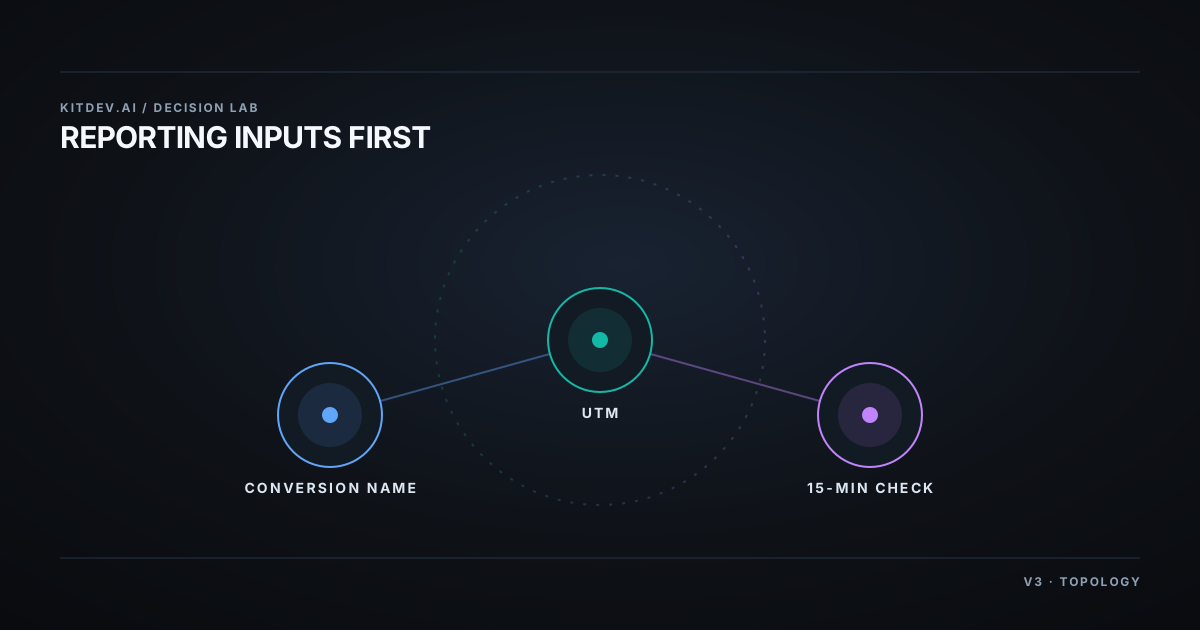
- Standardise conversion naming across every client. One scheme (
lead_form,purchase,call_qualified), applied everywhere. Most reconciliation work is this problem wearing a costume. - Standardise UTMs and enforce them. A one-page convention plus a spreadsheet builder. Broken UTMs are the single most common cause of a report that needs manual repair.
- Build one Looker Studio template, then duplicate per client. The template is the asset. Building it once takes an afternoon; duplicating it takes minutes.
- Run a fifteen-minute monthly data check. Before writing anything: are conversions tracking, are UTMs intact, did anything change. Fifteen minutes here saves the hour you’d spend discovering it mid-report.
- Write three reusable commentary blocks for the situations that recur, budget paused, seasonal dip, test concluded. You’ll reuse them more than any AI draft.
Do these five and month-end shrinks whether or not you ever buy a tool. Skip them and the tool inherits your mess and reports on it faster.
6. When NOT to automate this
- Under ~10 clients. The free stack wins. Buying per-client pricing at five clients is paying to avoid an afternoon of setup.
- When every client has a bespoke scope. Templated reporting assumes repeatable metrics. Highly custom retainers break the template and you’ll maintain fourteen exceptions.
- When the report is the relationship. Some clients are paying for the conversation, not the PDF. Automating it away removes the touchpoint that renews the retainer.
- Before you’ve fixed inputs. Automating on top of inconsistent data industrialises the error.
Bottom line
Reporting tools are one of the few SaaS categories where the pricing shape matches the pain shape, and past roughly ten clients they earn their line item. The AI inside them is a modest drafting aid, not the reason to buy. And the highest-return hour you’ll spend this month isn’t evaluating vendors. It’s standardising your conversion names so that whatever you eventually buy has clean numbers to work with.
More on this decision, three ways to look at it:
Related posts
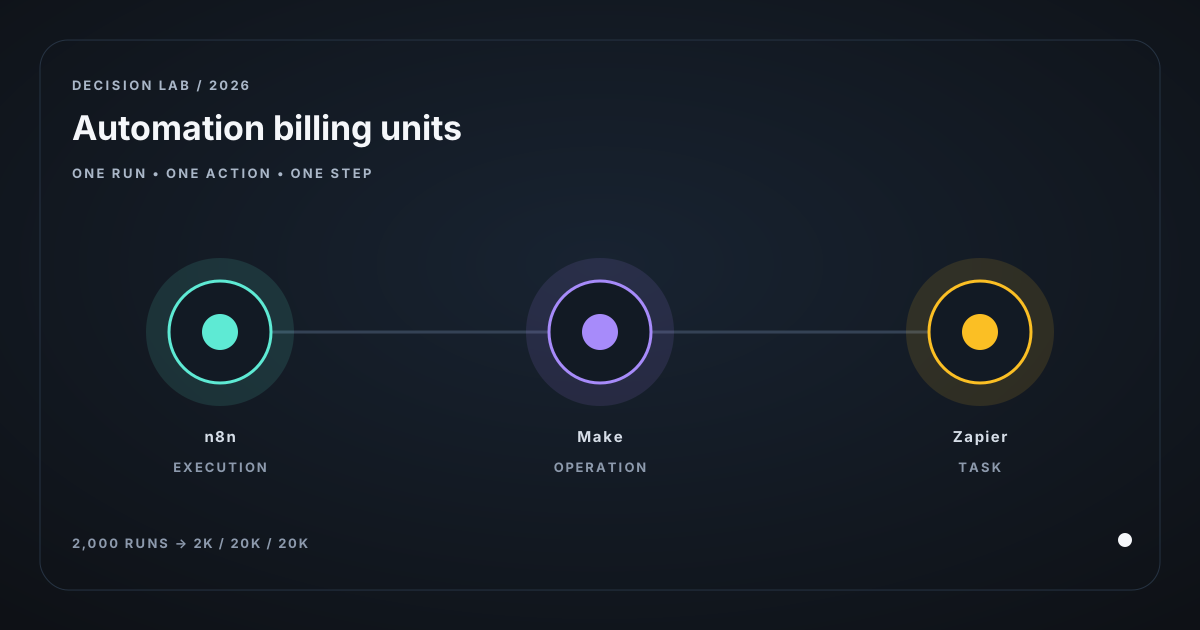
n8n Pricing vs Zapier vs Make: What You're Billed Per
Compare n8n execution pricing with Make operations and Zapier tasks using 2026 plan prices, a worked unit-cost model, and self-hosting limits for operators.
AI for E-commerce: Where It Pays and Where It Doesn't
AI for small e-commerce: support triage, product copy and order updates, with real 2026 pricing and the per-resolution math that decides when it actually pays.
LLM API Pricing for a Micro-SaaS: Price the Workload
Price LLM APIs by successful workflow, using dated token rates, a 100,000-completion cost fixture, batch discounts, and explicit self-hosting limits.
Get the next verdict before it's everywhere.
One email when a new lab post or cost table ships. No spam, no confirmation step — unsubscribe anytime.