Jentic One, Tested: Three Install Failures, Then a Sandbox Pilot
A shared-host Jentic One install hit release drift, a false health check, and an admin gate before any governed API call; here is what each one costs.
Filed under Agent Reliability· see every report on this topic
The operator and the leak
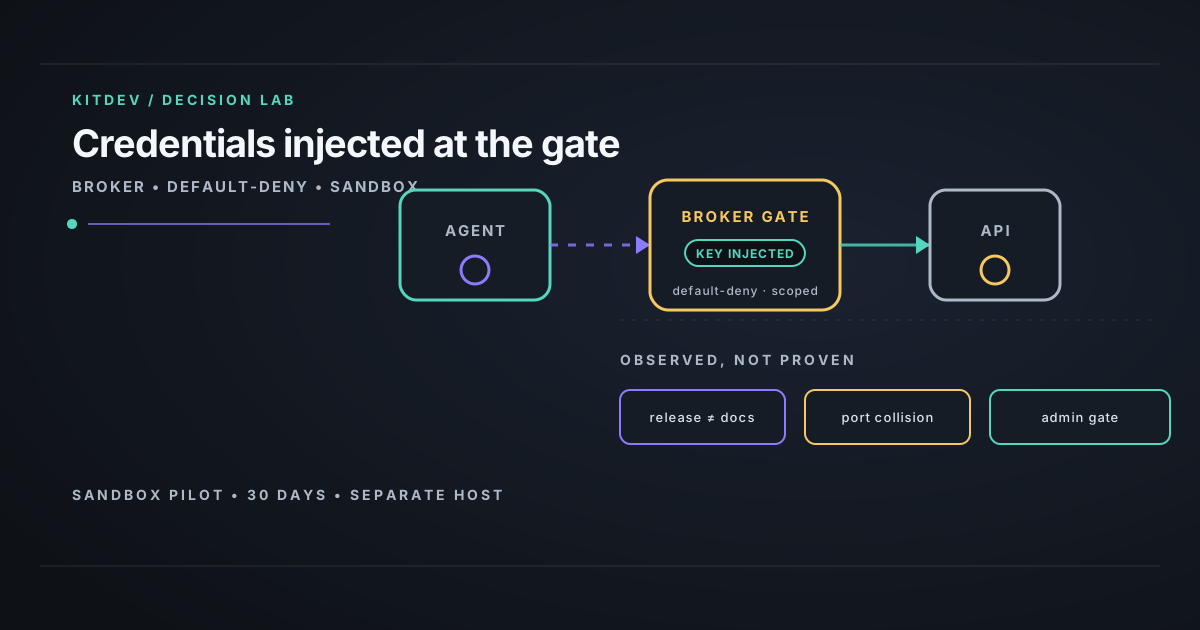
The verdict. If you’re trying to let internal agents call a few external APIs without putting long-lived keys in prompts, Jentic One is worth a sandbox pilot on a separate host, not production.
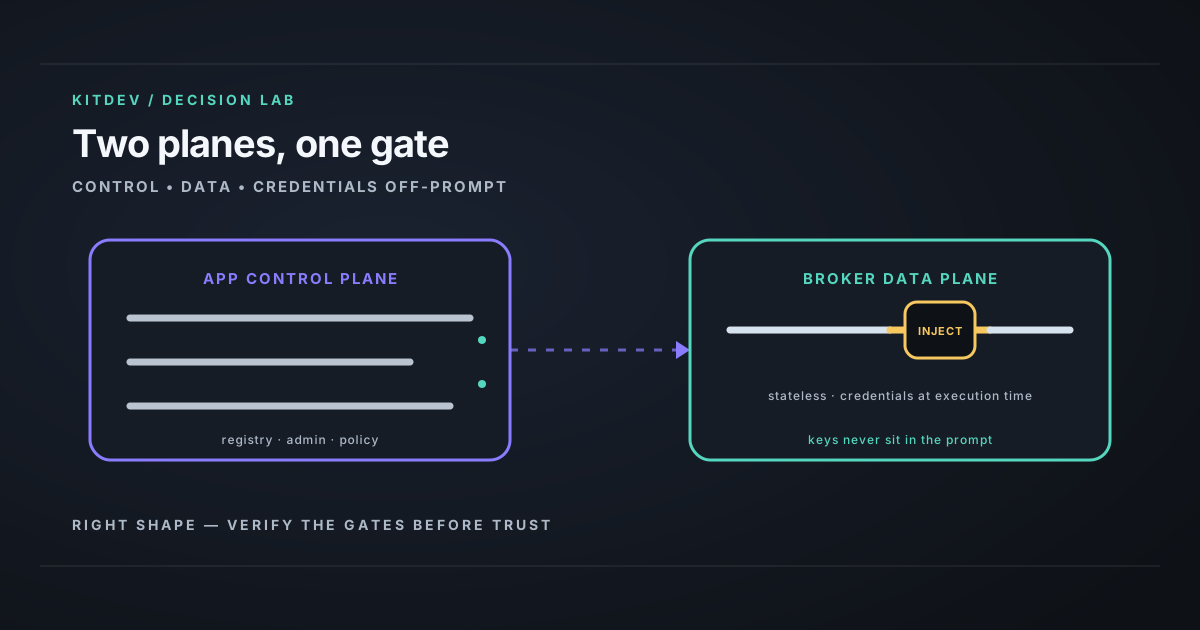
This review is for the platform engineer who needs an agent to call a limited set of external APIs. Jentic One is a self-hosted broker: it receives an approved operation, injects a stored credential, and forwards the request. The vendor describes an App control plane and a stateless Broker data plane. The project is Apache-2.0 public beta, and its README says APIs, schemas, and CLI commands can change without a major-version bump. Jentic One README (captured 21 August 2026 in mining/jentic/repo-docs/README.md).
The shared-host install produced three results that should drive a pilot:
- Pin the release. The installed CLI resolved
v0.31.1but rejected a main-branch--answersinstall option. - Prove the health endpoint is Jentic.
127.0.0.1:8000/healthreturned HTTP 200 from another Uvicorn service while Jentic reported offline. - Create the first admin, then test authorization. Setup needs an operator email and password. Registration can wait five minutes for approval. No governed call can happen until an operator owns that path.
Before onboarding an agent, verify Jentic-specific response content, the Docker Compose project and container identity, and the configured bind address — not just an open port.
How the broker boundary works
Jentic describes four surfaces: Broker forwards approved requests with injected credentials; Registry holds API specs and operations; Control stores credential objects; Admin manages permissions, audit, and execution telemetry. mining/jentic/repo-docs/README.md, captured 21 August 2026.
Its documented self-hosted flow is:
- Install
jenticctlandjentic, then deploy the local stack. - Create the first administrator.
- Register an agent with an Ed25519 keypair and dynamic client registration; wait for approval.
- Import an API spec, store its credential, request access, and receive a binding and rules.
- Execute the approved operation through the Broker.
The repo’s agent instructions use GET:https://httpbin.org/get --json as the first non-sensitive call, after import, access request, and grant. mining/jentic/repo-docs/AGENTS.md, captured 21 August 2026.
Jentic’s security guide says a same-OS-user agent can read the credential database and encryption key from the host. For real credentials, the guide recommends a separate host or private network. Security hardening guide.
What ran on 21 August 2026
I ran the published bootstrap in tmux on an Ubuntu 25.04 test host:
curl -fsSL https://raw.githubusercontent.com/jentic/jentic-one/main/tools/install.sh | shIt exited 0 in 6.224 seconds. It resolved jentic/[email protected] at commit 8e235f5, built jenticctl and jentic, and installed both. The binaries reported dev (commit none, built unknown). mining/jentic/evidence/install-log.md.
The host had Docker 29.2.1, 60 GiB RAM (46 available in the first snapshot), and 707 GiB free disk. Go 1.26.2 was already downloaded, so the 6.224-second result excludes a first-time toolchain download.
The piped install had no TTY. The installer skipped its wizard and printed jenticctl install --defaults. Running that command produced a Docker/Postgres manifest for source v0.31.1; status still reported the control plane and Broker offline. mining/jentic/evidence/stack-install-log.md.
Failure modes to test before a pilot
| Test | Observed result | Pilot action |
|---|---|---|
| Release and docs | --answers was unknown |
Pin one tag and archive CLI help |
| Health identity | Port 8000 served another Uvicorn app | Check response, compose project, container, and bind address |
| Admin and approval | Setup needs email/password; registration waits for approval | Assign an operator before importing credentials |
Release and docs drift
Current source docs say unattended install supports --defaults or --answers <file>, including custom ports in the answer file. The installed install --help listed neither. It offered --fresh-secrets, --no-start, --no-wizard, --out, and --skip-build.
An isolated port plan failed in 0.00 seconds with error: unknown flag: --answers. Pin the exact release tag, archive the --help output with the config, and use a disposable host. mining/jentic/evidence/isolated-stack-evidence.md; CLI source documentation, captured in mining/jentic/repo-docs/cli__README.md.
Port 8000 gave false confidence
The documented loopback default was already in use. A probe to 127.0.0.1:8000/health returned HTTP 200 from uvicorn, while Jentic’s components were not listening there. Existing Jentic Docker containers used a non-loopback address and different ports, so they could not confirm this stack. mining/jentic/evidence/cli-and-probes.md; mining/jentic/evidence/stack-inspection.md.
The CLI reported its service offline, but the isolated-home doctor reported that endpoint as “running.” On a shared host, an HTTP 200 proves only that a service answered. This result concerns shared-host layout; it provides no evidence of a Jentic vulnerability.
The first admin is an authorization gate
jenticctl setup --help says it creates the first administrator only while no users exist, and requires an operator email and password. jentic register --help says registration waits up to five minutes by default for operator approval before minting tokens.
I supplied no email, password, API key, or third-party credential. The cloud quickstart also requires a free Jentic account at app.jentic.com, and I did not attempt it. mining/jentic/docs-quickstart.md, captured 21 August 2026.
Use a separate-host sandbox
A same-user local install is suitable for a credential-free demo. Jentic labels that T0. Its guide labels agent sandboxing T1, separate users on one host T2, and a separate private host or network T3; these are vendor labels only.
| Posture | Suitable work | Pilot decision |
|---|---|---|
| Same user | Credential-free UX demo | Do not add secrets |
| Separate user | Small local sandbox | Add sandbox controls |
| Separate host | Team pilot with sandbox credentials | Preferred shape |
| Public endpoint | None by default | Do not use for the pilot |
The recommended shape means a dedicated non-root service identity, a private route between agent and broker, TLS termination for that route, and durable audit collection. Jentic lists these controls in its hardening checklist, including keeping the encryption key out of committed files.
Use a provider-scoped token if it covers the work. Use Jentic when you need dynamic discovery, operator approval, or centralized audit. Run Jentic as a separate-host sandbox only.
Jentic governs one upstream call. Multi-step work still belongs in the agent runner, which must handle retries, idempotency, state, and compensation. Related: self-hosted connection maintenance and choosing an automation tool.
What I did not test
- A credentialed API call, deny rule, token revocation, audit retention, encryption, or Broker outage.
- Jentic’s vendor-described rule evaluation, credential storage, audit, and telemetry behavior.
- The hardening controls listed in the guide, including separate service identities, private routing, TLS, and durable audit collection.
- The cloud quickstart at
app.jentic.com.
Bottom line
Jentic One is worth a separate-host sandbox pilot for teams that need controlled agent API execution. This run installed the CLI, then found release/docs drift, a misleading default health probe, and an admin gate before any governed API call.
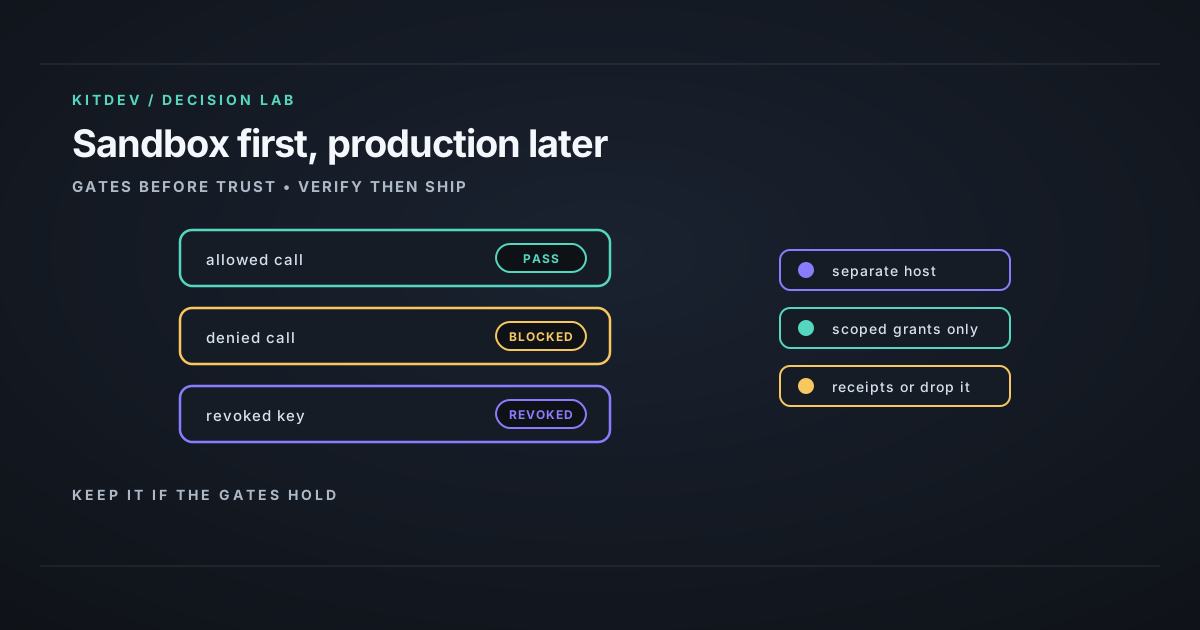
The moment you put real credentials behind the gate, verify the gates yourself: an allowed call that logs, a denied call that never reaches upstream, and a revocation that actually fails the old token. Until those tests pass in your environment, keep Jentic out of production.
Related posts
Agent Memory Needs Typed Claims, Routing, and Maintenance
A three-month GBrain + Hermes run: why raw transcripts are not memory, and the typed-substrate, routing, and maintenance loop that made durable recall inspectable.
Your AI Ops Bot Is Not Your Co-Founder: Guardrails First
Letting an agent touch production needs blast-radius limits, not trust. The guardrails to set first, the failure modes they stop, and where to keep a human.
Self-Hosted LTX 2.3: Failure Modes and Trade-Offs
Receipt-backed LTX 2.3 and ComfyUI workflows show the GPU, retry, and failure-mode trade-offs behind self-hosting versus an occasional hosted API call.
Get the next verdict before it's everywhere.
One email when a new lab post or cost table ships. No spam, no confirmation step — unsubscribe anytime.