Fix Broken Tool Calls in vLLM, SGLang and llama.cpp
Malformed JSON, stalled generation, hard crashes. Three causes across four engines, an ordered bisect costing one restart each, and the 21 issues behind them.
Filed under Local LLM Inference· see every report on this topic
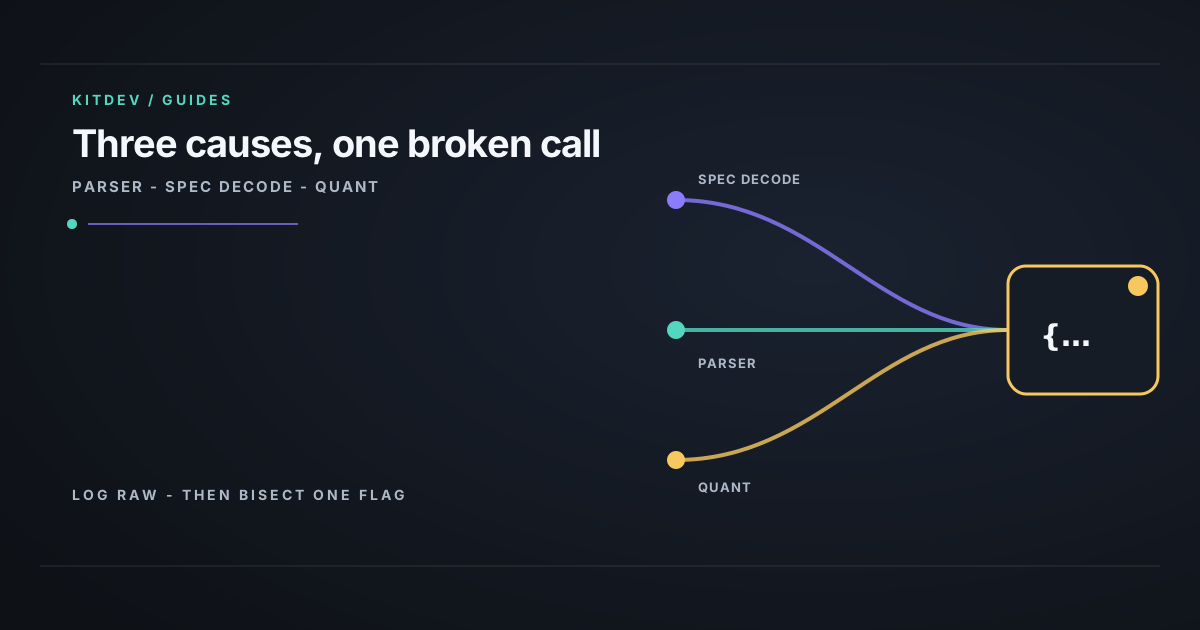
Verdict: Log the raw completion beside the parsed tool call, then restart without speculative decoding. That costs one restart and about twenty minutes. It identifies or rules out the two common causes before you waste time swapping models or engines.
The operator and the failure signal
This is for the operator of a self-hosted agent lane where tools stop being called, arrive as malformed JSON or empty strings, stall before the call, or collapse into repeated tokens and filler reasoning. A healthy tokens-per-second benchmark does not see any of this; it cannot tell whether the tokens formed a tool call.
Separate parser failures from decoding failures
Issue bodies, not titles, were re-verified on 2026-08-22. Several citations from an earlier draft were removed because their bodies concerned a VRAM leak, throughput complaint, or config question instead of tool-call corruption. The remaining reports are user reports and open issues, not confirmed vendor behaviour.
| Cause | Lives in | Reports |
|---|---|---|
| Parser bug | Engine extraction of a call from raw output | vLLM #53246, #53227, #45167, #44676; SGLang #35565, #35564; llama.cpp #26987, #27363; Ollama #17638, #16648, #16686 |
| Speculative decoding | Draft-and-verify decode path | vLLM #46249, #36872, #34449, #43221; SGLang #32038, #9187 |
| Quantization | Weight precision | vLLM #13530 |
| Both stacked | Interaction, not sum | vLLM #36872’s AWQ-4bit note; SGLang #4351, #35324 |
Eleven reports across four engines that share no parser code point to the first row. The parser, not the model, turns raw output into a structured call. Quantization and speculative decoding can also compound: reports cover malformed JSON, stalled generation, and hard crashes when the two are stacked.
Speculative decoding proposes future tokens through a cheap draft path, verifies them against the target model, and keeps matches. Quantization shifts those distributions slightly. That is usually an acceptable trade, but small shifts matter when the other mechanism makes accept-or-reject decisions from the same distributions.
Run this one-change-per-restart bisect
Use the same prompt and realistic concurrency at every step. Do not combine changes.
1. Capture raw output and the parsed call
This distinguishes parser output from upstream decoding. Prerequisite: the client sends tools and VLLM_URL points at the server.
# vLLM: capture the raw completion before tool-call parsing.
# Prerequisite: your client sends tools; VLLM_URL points at the server.
curl -s "$VLLM_URL/v1/chat/completions" \
  -H 'Content-Type: application/json' \
  -d '{"model":"'"$MODEL"'","messages":[{"role":"user","content":"What is the weather in Paris?"}],
       "tools":[{"type":"function","function":{"name":"get_weather",
                 "parameters":{"type":"object","properties":{"city":{"type":"string"}}}}}],
       "tool_choice":"auto","max_tokens":128}' \
| python3 -m json.tool
Read choices[0].message. Well-formed call text in content with an empty or wrong tool_calls result means a parser problem. Malformed content is upstream in decoding or the model.
2. Disable speculative decoding
Restart without draft/MTP configuration. In vLLM, remove --speculative-config, or the older --speculative-model / --num-speculative-tokens flags depending on version. In SGLang, remove the --speculative-algorithm family. If calls recover, you have a throughput trade to make.
3. Try unquantized weights
Do this only if VRAM permits it. If it fixes the problem, you are in vLLM #13530 territory: choose a quantization format rather than deciding whether quantization is allowed.
4. Change the parser before the engine
Most engines offer a parser choice. In vLLM, test --tool-call-parser with its matching --chat-template. This is cheaper than an engine migration and resolves a surprising share of cases.
5. Change engine or model last
At this point you have eliminated three cheaper causes. Starting here turns a bad afternoon into a bad week.
Keep the reproduction honest
On vLLM 0.24.0 with Qwen3.8-27B BF16 and MTP=3, concurrent long-context tool work produced repeated ! reasoning, empty assistant messages, and finish_reason=length before one tool call. Restarting without MTP fixed the same prompt. Two days earlier, the same feature had delivered a genuine throughput win on the same hardware. The field report, including the benchmark that looked healthy while the agent was broken, is vLLM MTP quietly breaking tool calls.
This is one dated configuration failure, not a claim that speculative decoding is generally unsafe. It was concurrency-dependent and did not reproduce in single-request testing, so a clean single-request test could have missed it. Pin the version or assert the disabled setting at startup; an upgrade can re-enable an optimization you intentionally removed.
Measure successful tool calls, not token speed
The load test needs an assertion for successful, well-formed tool invocations divided by attempts, at the concurrency the agents use. Otherwise a fast benchmark will report success on a broken lane.
If raw output is correct but the client mishandles it, fix the client’s tool-call handling. If inference comes from a hosted API, report the behaviour and switch models; you do not have the flags or visibility. If calls succeed but the agent chooses the wrong tool, the problem is model capability or prompt design, not this serving stack.
Bottom line
Start with raw output and speculative decoding, one change per restart. Then test unquantized weights and a matching parser/template before moving engines. Tool-call correctness is a separate metric from throughput.
Reference
- Engine-side parser bugs: vLLM #53246, #53227, #45167, #44676; SGLang #35565, #35564; llama.cpp #26987, #27363; Ollama #17638, #16648, #16686
- Speculative decoding correctness: vLLM #46249, #36872, #34449, #43221; SGLang #32038, #9187
- Quantization and stacked failures: vLLM #13530; SGLang #4351, #35324
- Retry cost when this goes unnoticed: why your LLM spend limit doesn’t actually stop spending
Related posts
Why Your LLM Spend Limit Doesn't Actually Stop Spending
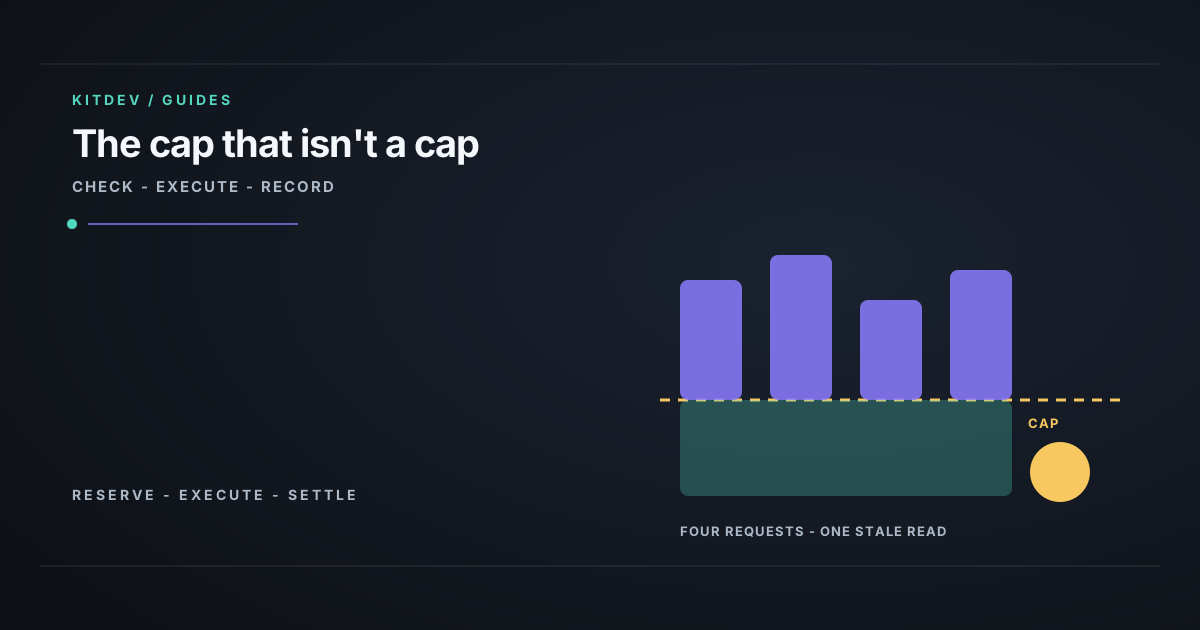
Spend limits read stale balances, so they stop nothing under concurrency. Test with xargs -P 20, read the 200/429 difference, and fix it with a gateway cap.
Are Google's 'Leaked' AI Ranking Signals Testable?
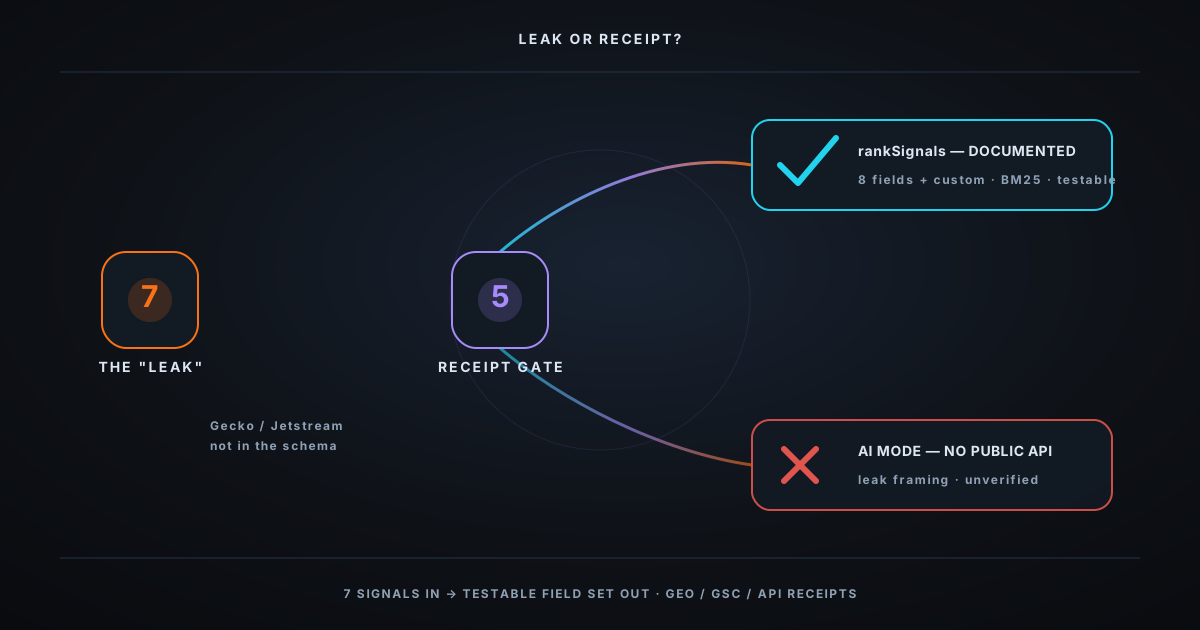
Audit the viral '7 leaked Google ranking signals': what the public API documents, what console labels do not prove, and why consumer AI Mode remains unverified.
How to Sandbox an AI Coding Agent (and What Fails)
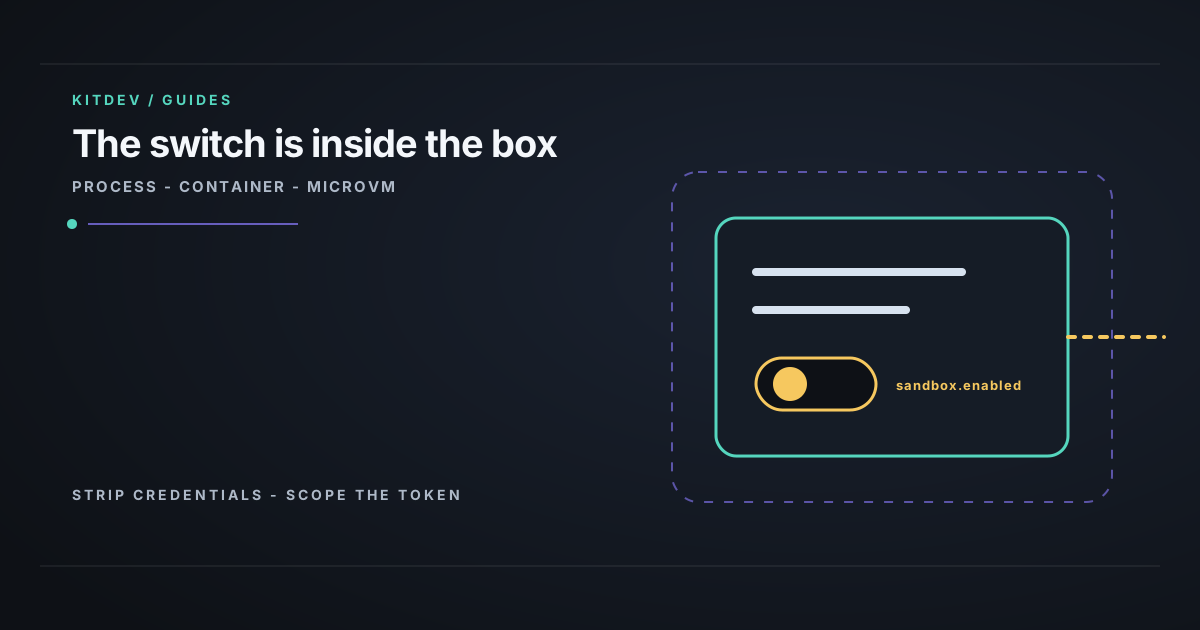
For coding agents, put isolation outside the workspace, remove long-lived credentials, and verify filesystem and egress boundaries with real test commands.
Get the next verdict before it's everywhere.
One email when a new lab post or cost table ships. No spam, no confirmation step — unsubscribe anytime.