Notion vs Airtable vs Linear: Where Work Data Lives
Put context in Notion, operating records in Airtable, and assigned work in Linear. See each boundary, what breaks, and the modelled three-seat stack cost.
Filed under Decision Guides· see every report on this topic
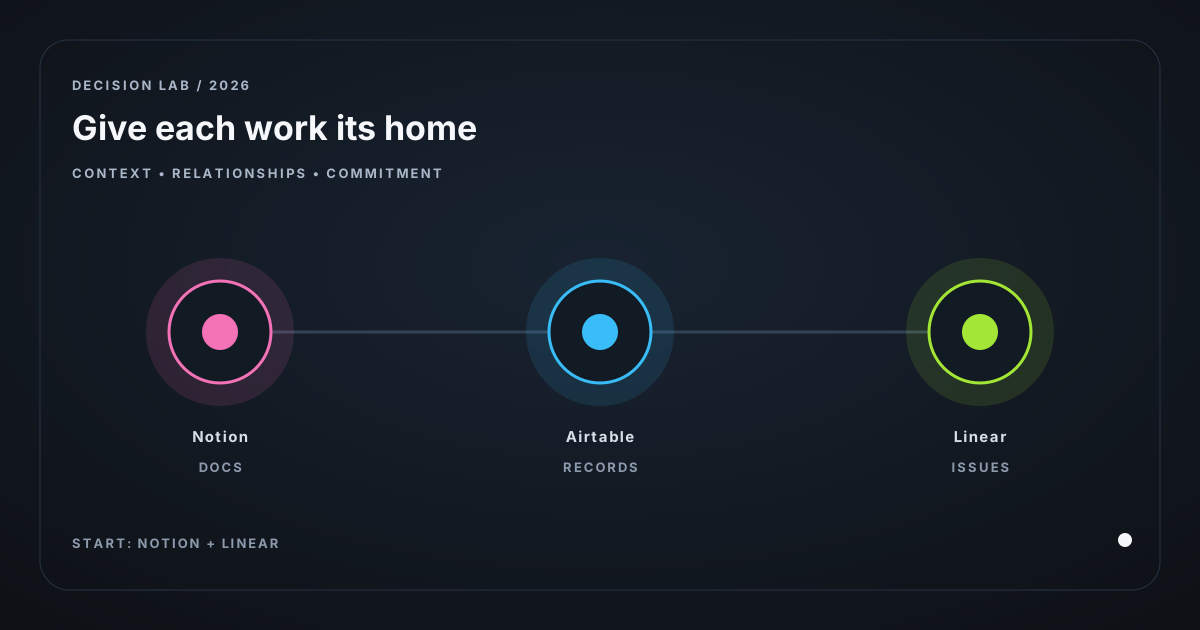
Verdict. Use Notion for durable explanation, Airtable for relational operating records, and Linear for work that has to be finished. Start with Notion + Linear. Add Airtable only when a spreadsheet-shaped process causes real misses. Put prose and context in Notion; put correct fields and relationships in Airtable; put intake-to-done execution in Linear.
Proof status. Vendor prices and limits came from official pages on 21 August 2026 and are linked. The cost model is an assumption, not usage data. Regional taxes, monthly-billing premiums, paid add-ons, migration effort, and account-specific entitlement are unverified. Check live pages before annual seats.
1. The operator and the leak
Nora runs a three-person B2B micro-SaaS with one engineer and a part-time customer-success contractor. Each week they collect bug reports, interview prospects, decide what to build, publish a help article, and follow up with design partners.
Her Notion workspace has a product wiki, backlog, launch notes, and a “Customers” table. At ten customers, that worked. At forty, one account has two spellings, a renewal date sits inside a meeting note, and one feature request exists in an interview note, the Notion backlog, and Slack. The engineer no longer trusts the backlog.
This is a data-model decision: which object needs narrative, which needs a dependable relationship, and which needs an accountable next action?
2. Assign each data shape to one tool
| Question the object answers | Put it in | Example | Why |
|---|---|---|---|
| Why did we decide this? What would a new hire need? | Notion | Architecture decision, onboarding guide, interview synthesis, launch brief | Prose, links, screenshots, revision history |
| Which records connect? What happens if a field is wrong? | Airtable | Account, contact, design partner, integration, renewal, research participant | Stable fields, relationships, de-duplication, filtered views |
| Who does this next, by when, and is it done? | Linear | Bug, feature slice, support escalation, migration task | Lifecycle state, owner, priority, execution trail |
For Nora, an interview stays a Notion page with quotes, recording, synthesis, and recommendation. The company and people are Airtable records, linked with segment, plan, renewal date, and consent status. “Add SSO mapping for Acme” becomes a Linear issue with an owner, priority, estimate if Nora uses them, and a closed state.
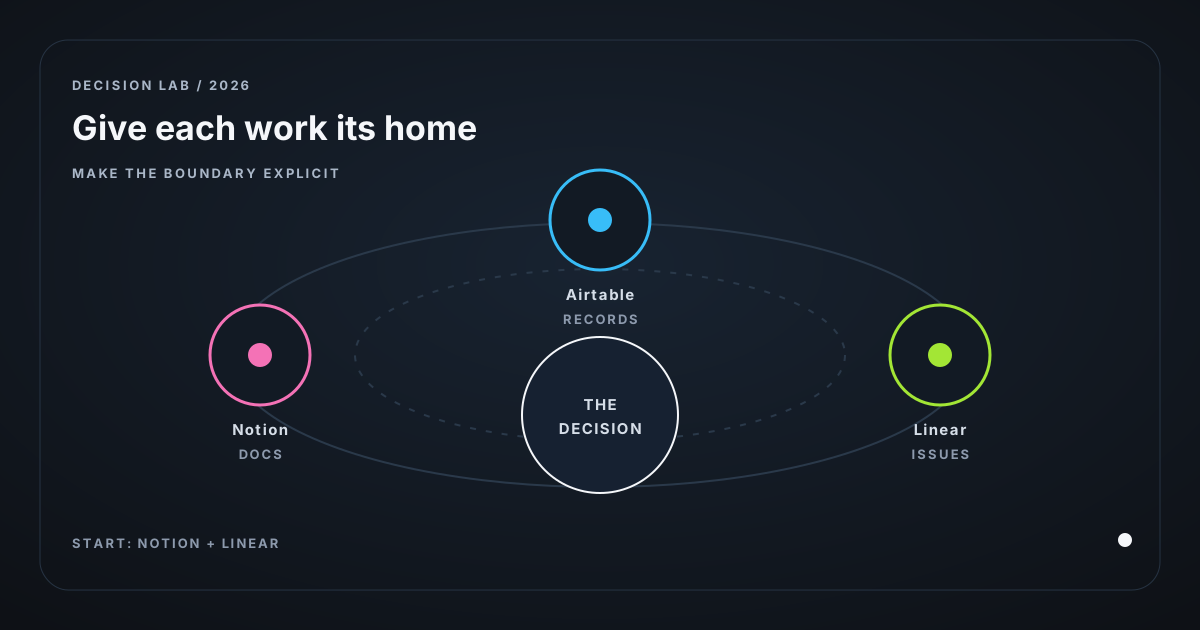
Link the Linear issue back to the decision page and Airtable account record when useful. Links are enough. Each system does not need every field. A table view alone does not make a document index, relational database, and work queue the same job.
3. Check plans and operating limits
As of 21 Aug 2026, Notion’s Plus plan costs $10 per member/month, Airtable’s Team plan costs $20 per paid editor/month when billed annually, and Linear’s Basic plan costs $10 per user/month when billed yearly.
| Tool | Paid plan | Free-plan boundary | Operating limit |
|---|---|---|---|
| Notion | Plus: $10/member/mo | 5 MB uploads/file | 250K rows / 500 properties; 3 req/s per connection API |
| Airtable | Team: $20/editor/mo annual | 1,000 records/base, 1 GB attachments, 1,000 API calls/mo | Team: 50K records/base, 20 GB, 100K API calls/mo; 5 req/s per base |
| Linear | Basic: $10/user/mo yearly | 2 teams, 250 issues | 60K non-archived issues/team; 2,500 req/user/hr API |
Nora will not reach 250,000 Notion rows or 60,000 Linear issues. Airtable Free’s 1,000-record ceiling can arrive sooner once contacts, interactions, and products become separate records.
Unverified for this article: Notion paid-seat treatment for Nora’s external contractor; Airtable’s billable-editor configuration; Linear monthly price; all automation/AI-credit prices; and taxes. Check the proposed workspace’s billing screen before purchase.
4. Price the three-person model
Model assumptions, not vendor facts: Nora has three paid internal users and annual pricing where published. The contractor has a view-only or guest arrangement where permitted. That entitlement is unverified for this model and adds no seat. This excludes AI, automations, storage overages, taxes, and monthly-billing differences.
| Stack | Calculation from cited annual prices | Monthly licence total |
|---|---|---|
| Docs + execution | Notion Plus: 3 × $10 + Linear Basic: 3 × $10 | $60/month (derived; as of 21 Aug 2026) |
| Docs + execution + operating data | Above $60 + Airtable Team: 3 × $20 | $120/month (derived; as of 21 Aug 2026) |
Airtable adds $60/month (derived from three cited Team seats; as of 21 Aug 2026). Buy it when it prevents a missed renewal, duplicate outreach, lost design-partner commitment, or a weekly reconciliation ritual worth more than $60 of founder attention.
Do not pay for a CRM-shaped base before there are records worth protecting. Thirty customer rows with occasional notes can stay in Notion. An account-contact-product-request relationship that needs a weekly “who needs a follow-up?” view should not depend on paragraphs and memory.
5. Stop the stack from rotting
| Failure | Boundary |
|---|---|
| Notion backlog becomes product tracker | A page does not force triage discipline. Create the Linear issue for owned work; keep the design rationale in Notion, not pasted into every ticket. |
| Airtable becomes shadow application database | Keep transactional product truth in your app database; sync a deliberate operating view outward. |
| Linear becomes company memory | Closed issues explain what changed poorly. Write the architecture decision, playbook, or synthesis, then link it. |
| Three copies claim authority | Assign one owner per field: Linear issue status, Airtable account segment, Notion decision memo. A sync can copy data for visibility, but copied data is not a new source of truth. |
| Structure arrives before process | A base cannot tell Nora what a “qualified design partner” means. Define stages and required fields on paper first; if nobody fills them for two weeks, automation only makes the ambiguity faster. |
Airtable works for people operating a process. It is a poor place to authorize product access, calculate money, or accept high-volume application writes. Its convenient UI can hide a brittle production dependency.
6. When not to add another tool
Keep Notion only if the business is pre-customer and the tables are mainly notes, research, and lightweight planning. Keep Notion + Linear when execution needs discipline but the customer process is not record-heavy. Use Airtable + Linear without a large Notion build only when operations are record-first and documentation can remain small.
My take: most small SaaS teams should not start with all three. Start with a page for decisions and a queue for work. Add the relational layer when relationship mistakes recur and have a visible cost.
Bottom line
Use Notion for context, Airtable for relationships, and Linear for commitment. Nora should add Airtable’s $60/month only once a customer-operation workflow proves that a relationship mistake costs more than the seat fee. Until then, clear ownership in a short stack beats an all-in-one workspace nobody trusts.
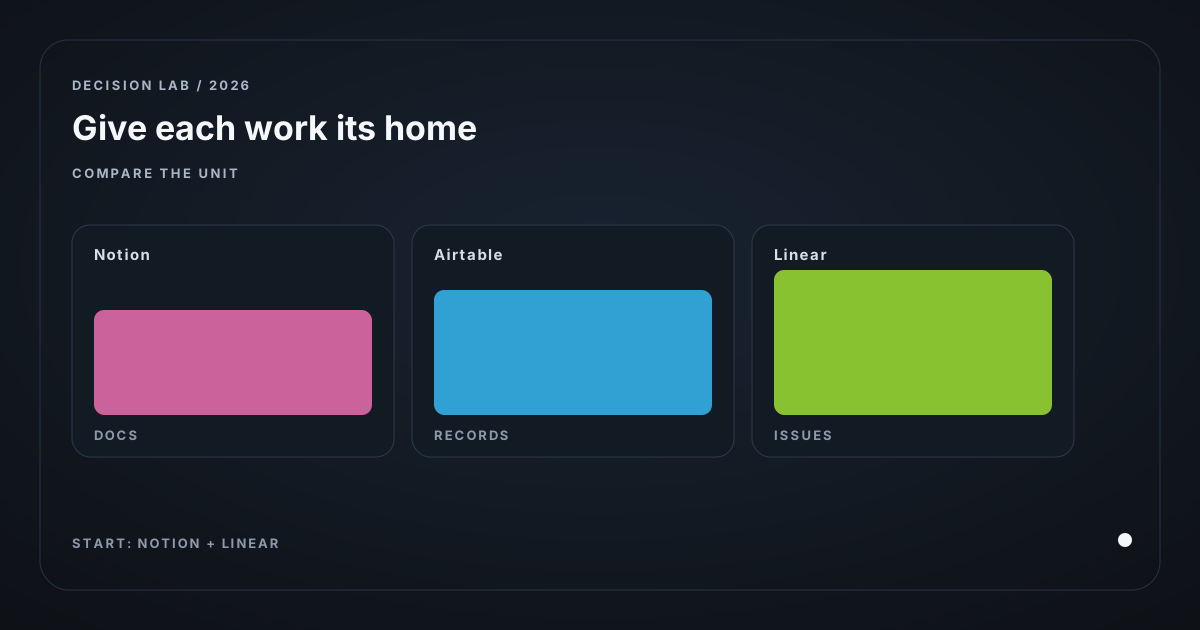
More on this decision, three ways to look at it:
Related posts
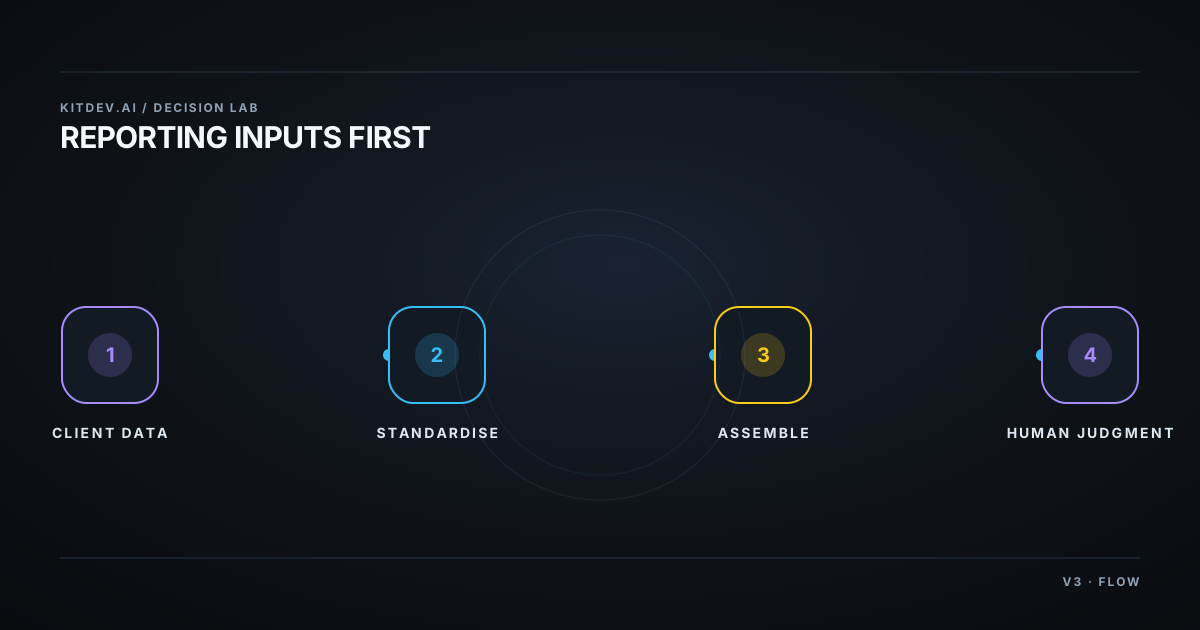
Agency Reporting: $0 Looker Studio Before Paid Tools
Client reporting for agencies: the free Looker Studio floor, the per-client math on paid tools, and why fixing inconsistent inputs beats any AI commentary.
AI for E-commerce: Where It Pays and Where It Doesn't
AI for small e-commerce: support triage, product copy and order updates, with real 2026 pricing and the per-resolution math that decides when it actually pays.
LLM API Pricing for a Micro-SaaS: Price the Workload
Price LLM APIs by successful workflow, using dated token rates, a 100,000-completion cost fixture, batch discounts, and explicit self-hosting limits.
Get the next verdict before it's everywhere.
One email when a new lab post or cost table ships. No spam, no confirmation step — unsubscribe anytime.